

Secure Mobile Privacy with PIA VPN
Overview
VPN by Private Internet Access is a mobile client application designed to deliver essential online privacy and security for users on the go. Developed by Private Internet Access, Inc., this software enables individuals to protect their digital footprint while browsing, shopping, or accessing public Wi-Fi networks. The app targets privacy-conscious consumers and mobile users seeking a straightforward way to encrypt their internet traffic and mask their IP addresses.
It serves as a portable solution for safeguarding sensitive data across various online activities, including social media, banking, and streaming. The application supports both Android and iOS platforms, making it accessible to a broad audience. While the developer did not provide additional system requirements, the software is designed for modern mobile devices.
Its core purpose is to offer a reliable, no-logs privacy layer with minimal user intervention. The app is free to download, allowing users to test its core functionality without financial commitment. Real-world usage scenarios include securing connections on public networks, bypassing regional content restrictions, and maintaining anonymity during online interactions.
Key Features & Capabilities
- One-Tap Connection: Enables immediate activation of the VPN with a single tap, minimizing setup time and ensuring quick protection during browsing sessions.
- OpenVPN and WireGuard Protocols: Supports industry-standard encryption protocols to ensure secure and stable connections across different network environments.
- No-Data-Logging Policy: The developer confirms that user activity and connection logs are not stored, enhancing privacy and trust.
- Kill Switch Feature: Automatically blocks internet traffic if the VPN connection drops, preventing accidental data exposure.
- Split Tunneling: Allows selective routing of specific apps through the VPN while others use the regular connection, balancing performance and security.
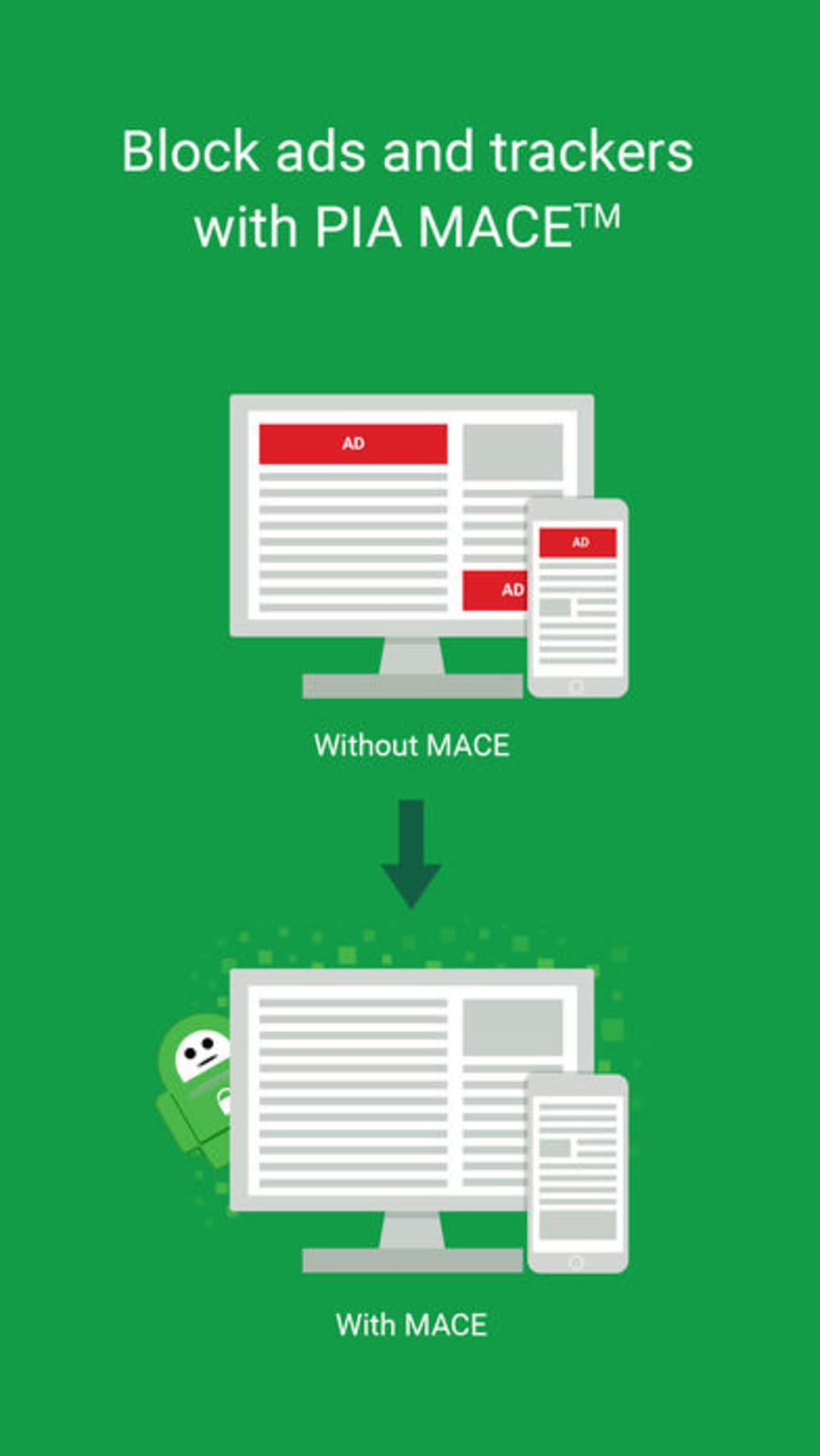
- MACE (Malware, Ads, and Tracking Blocker):strong> Blocks ads, trackers, and malicious content at the network level, improving browsing speed and reducing exposure to threats.
- Extensive Server Network: Access to over 30,000 servers across 77 countries enables users to connect to diverse geographic locations and potentially bypass content restrictions.
- Dedicated IP Addresses: Optional feature available for users who need a static IP for consistent online identity or access to certain services.
- Warrant Canary: A regularly updated transparency report that informs users if the company has received legal requests, reinforcing its commitment to user privacy.
These features collectively support a secure and customizable browsing experience. Users can leverage the kill switch and no-logs policy for enhanced protection during sensitive activities. The MACE feature improves usability by reducing clutter and potential risks from malicious websites. The server network size allows for flexibility in location selection, though performance may vary based on server load and distance.
User Interface, Workflow & Performance
The user interface of VPN by Private Internet Access is designed with simplicity in mind, featuring a clean layout that prioritizes core functions. Navigation is intuitive, with the main screen displaying connection status, server location, and a prominent connect/disconnect button. Secondary options such as protocol selection, split tunneling, and MACE settings are accessible through a streamlined menu.
The workflow follows a minimal path from launch to activation, aligning with the app’s focus on ease of use. Users can switch between servers with a few taps, and connection status is clearly indicated. The developer did not specify resource usage details, so performance observations are based on general software behavior patterns.
The app appears stable during regular use, with no reported crashes or freezes. However, the software may experience slower connection speeds under certain network conditions, as noted in user feedback. CPU and RAM usage are expected to remain moderate, typical for mobile security applications.
Overall, the workflow efficiency supports quick access to privacy features, making it suitable for both novice and experienced users.
Compatibility & System Requirements
VPN by Private Internet Access is available for Android and iOS devices, ensuring broad accessibility across major mobile platforms. The current version is 1.0.25, and the installation size is 30.2 MB, indicating a lightweight footprint. This size suggests the app is optimized for storage efficiency on mobile devices.
The developer did not specify exact system requirements, so compatibility with specific OS versions or hardware configurations is limited. General compatibility with modern smartphones and tablets is expected, but users should verify their device’s OS version and available storage. The software is designed for mobile use and does not include desktop or tablet-specific features.
For users seeking to extend protection to other devices, the developer offers separate clients for routers, smart TVs, and gaming consoles, though these are not part of this mobile application.
Pros and Cons
Pros
- Free to download with no upfront cost
- Strong privacy focus with a no-logs policy
- Supports advanced protocols like WireGuard and OpenVPN
- Extensive server network across 77 countries
- Includes built-in ad and tracker blocker (MACE)
- Simple, intuitive interface for quick setup
- Offers dedicated IP addresses for advanced users
- Transparent warrant canary for legal accountability
Cons
- Connection speeds may be slower than average
- Not consistently effective for unblocking streaming services
- Exact system requirements were not listed
- Performance may vary depending on server location
- Limited customization options for free users
FAQ Section
Is the app available for both Android and iOS?
Yes, VPN by Private Internet Access is compatible with both Android and iOS devices.
Is the software safe to use?
Yes, the app is designed with security in mind, featuring a no-data-logging policy and support for strong encryption protocols. It also includes a kill switch to prevent data leaks.
How often does the app receive updates?
Updates are released periodically to improve performance, security, and compatibility. The current version is 1.0.25.
Can I use this app offline?
Yes, the app can be launched and accessed offline, though a connection is required to activate the VPN service.
What type of license does this software use?
The app is free to download and use, with optional paid subscriptions for enhanced features. The license model is subscription-based with no long-term commitments.
Final Thoughts
VPN by Private Internet Access delivers a reliable and privacy-focused mobile experience with a strong foundation in security and transparency. Its combination of essential features—such as a no-logs policy, kill switch, MACE, and extensive server network—makes it a solid choice for users seeking affordable protection. While connection speeds may be slower and streaming unblocking inconsistent, the app performs well for general privacy needs.
The intuitive interface and straightforward workflow ensure accessibility for all users. For budget-conscious individuals who prioritize security over speed, this tool offers excellent value. It is particularly well-suited for mobile users who want a dependable way to protect their online activity.
Download VPN by Private Internet Access now.







